
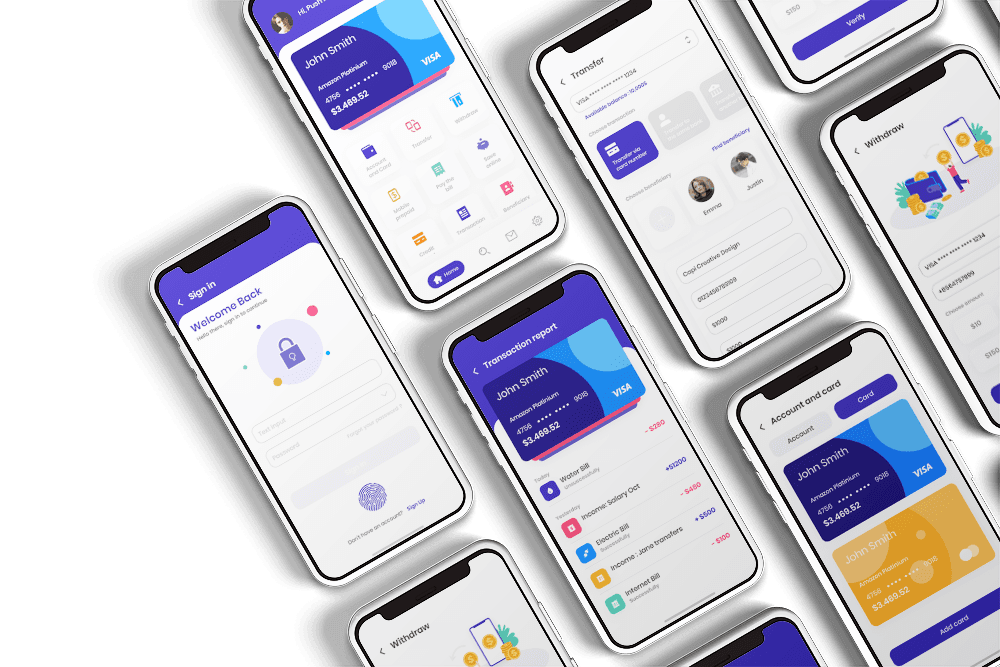
When you start building a banking app, you realize pretty quickly that authentication is about a lot more than just a username and a password. By the time a user actually creates an account in Fortify, they’ve handed over their full name, address, date of birth, and the last four digits of their Social Security number. It feels like a lot for a registration form — because it is. But as I found out, those requirements aren't just arbitrary hurdles I decided to throw in the way.
The KYC Wall: Why Registration is a Heavy Lift
The lesson here was about the non-negotiables of fintech. Plaid and Dwolla have strict identity requirements (KYC) that are baked into the regulatory landscape. Dwolla, specifically, needs to verify that the person initiating an ACH transfer is actually who they claim to be — that’s a compliance rule, not just a UI preference. Even in sandbox mode, these services don't let you skip the line. If you want to move money, you have to provide the data, which means my registration form had to be a "wall" whether I liked it or not.
For a demo app, this creates a friction point I didn't fully appreciate at first. A first-time visitor sees a form asking for an SSN and an address, and they (rightfully) hesitate. I realized I’d built for technical compliance but ignored the user experience of someone just wanting to see the dashboard. There was no "don't worry, this is fictional" disclaimer or explanation for why the address was needed. It was my first major "developer vs. user" realization of the project.
I’d built for the requirements but forgotten about the demo experience. I’ll be diving into the fix for that in the next post, but first, let’s look at how I actually structured things.
The Current Flow
Right now, everything auth-related lives in a massive AuthForm component. It handles four distinct states: signup, signin, forgot-pw, and reset-pw. My logic was simple: one component to rule them all. It uses conditional rendering to swap out fields, validation rules, and submission logic based on what the user is trying to do.
When everything is aligned, it works great. Appwrite handles the account creation, while Plaid and Dwolla get the identity data they need to kick off the bank linking flow. Once logged in, the user lands on the dashboard, and Appwrite restores the session.
The goal of the dashboard is to give a bird's-eye view of linked accounts, transaction history, and transfers. When the auth flow is solid, the dashboard looks great—but as I soon learned, "when it works" isn't a good enough metric for a banking app.
The "Aha!" Moments (Or: What Broke)
The brittle session problem. The biggest lesson was how I handled Appwrite session timeouts. When a session expired, the app essentially panicked. Instead of showing cached data or a graceful login prompt, the implementation just lost its reference to the user's bank data and asked them to reconnect from scratch. It taught me that the auth session and the bank link were way too tightly coupled.
It might be fine for a demo with no returning users, but it revealed an architectural flaw: if the session dies, the user shouldn't feel like their bank account disappeared. That's a UX nightmare and a serious technical debt item.
The "Registration or Bust" bottleneck. I didn't build a fallback state. Right now, there’s no way to see what Fortify actually does without going through the full registration and bank linking process. If someone wants to just explore the UI, they hit a dead end. I learned that a "Guest Mode" with dummy data isn't just a nice-to-have; it's essential for showing off the project without forcing a high-friction sign-up.
The God Component. My AuthForm is a classic example of a component trying to do too much. What started as a simple way to share styles became a tangled mess of validation and submission logic. Signup is complex enough to be its own thing. Resetting a password has zero business sharing logic with SSN collection. I learned the hard way that "DRY" (Don't Repeat Yourself) can sometimes lead to "WET" (Write Everything Twice) when you're fighting your own abstractions.
What the Signup Form Actually Looks Like Right Now
As it stands, the signup form is just a long vertical list of inputs. No steps, no progress bar, and no pre-filled data. It’s a wall of sensitive fields with no context. For a portfolio piece, that's a massive usability gap that I need to close.
The funniest part? The form looks *too* real. Because it mirrors production requirements so closely, people assume it needs real data. I need to communicate better that this is a sandbox environment, or else I'm just scaring people away before they ever see the engineering work under the hood.
The Honest State of Things
The technical foundation is there. Registration, login, bank linking, and money movement all actually happen. The Plaid and Dwolla handshakes are solid. But the "developer" in me knows that while it works, it doesn't feel right yet.
The demo experience is clunky, the code structure is bloated, and there's no plan B for when things disconnect. Those aren't failures; they're the starting point for the next version of the app.
In the next post, I'm breaking AuthForm apart, building a multi-step signup flow with pre-filled sandbox data, and adding a guest mode so anyone can navigate the app without a full registration. See you then.